 Bike Fast Fit
EZ tier
Bike Fast Fit EZ
- A four-second video of you pedaling.
- No markers.
- No studio.
- No appointment.
Free download · $4.99/yr subscription
US App Store price. Billed by Apple in your local currency. Cancel anytime in your App Store settings.
Download on the App Store ★ 4.6 · 707 App Store ratings worldwideLatest release EZ 2.13.0 ·
EZ 2.13.0
- Fixed: The Library pausing while a session saves, most noticeably on older devices. A crash during live tracking on the record screen. The app staying empty when its first launch was interrupted. Lower memory use while a recording is analyzed and saved, to help on smaller devices. The message shown when a subscription or free trial ends now says what stays available and what is locked. The Exploring Changes help now names every red dot. Spelling of the recording terms in German, and one heading in Spanish. The close button on pop-ups sitting too far into the corner.
EZ 2.12.0
- A new look. BFF's red is now the deeper red of the BFF Academy, on the app icon, the launch screen and throughout the app. The reds that flag a reading out of range are unchanged.
- Fixed: Report page titles show the date again. The side view's auto-crop cutting off the rider when a portrait video is shown on a wide panel. Frame Size shown in the bike sense in six languages.
EZ 2.11.0
- Remove Background. Show the rider, bike and trainer on their own, with everything behind them blurred, on the Fit screen. One button turns it on or off for each record. Needs iOS 17 and a device that can run the subject mask.
- Fixed: A database error logged on every launch of a fresh install. The Upper Body panel icon.
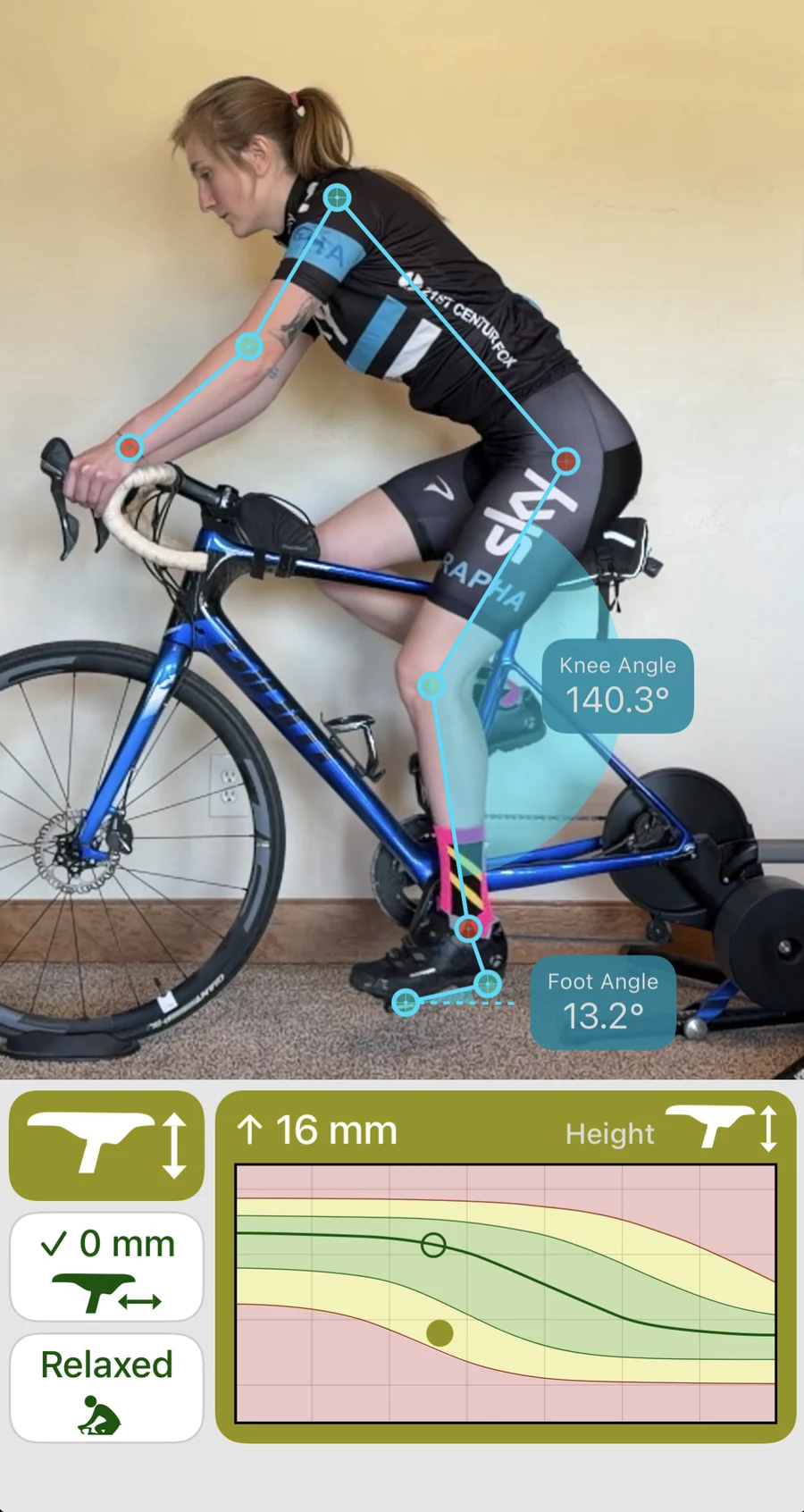
Saddle height, saddle fore/aft, and upper body position.
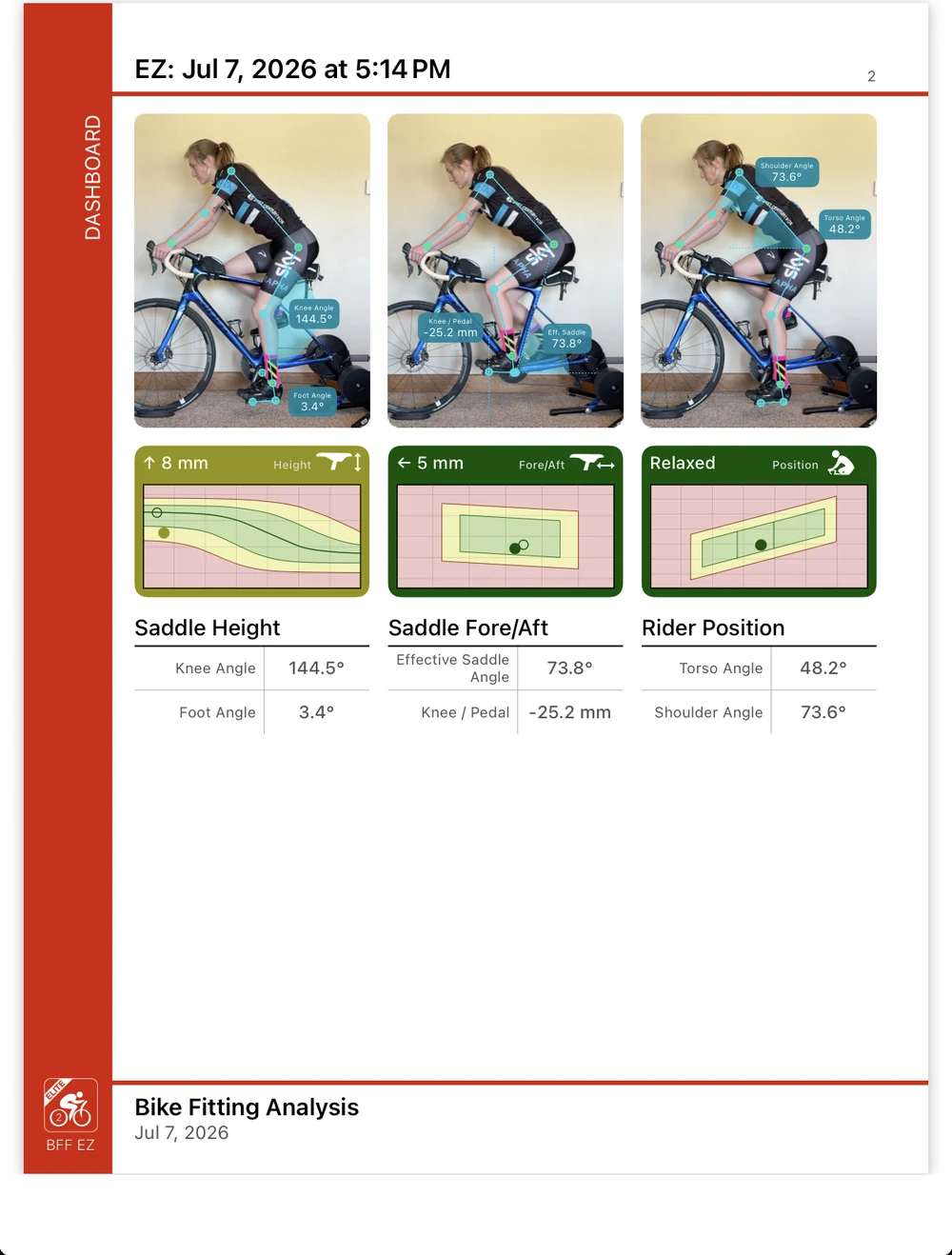
From one side-view video, Bike Fast Fit EZ analyzes your angles at the moments in the pedal stroke that matter, then recommends a millimeter change for saddle height and saddle fore/aft, and describes your riding position: Upright, Relaxed, or Aggressive.
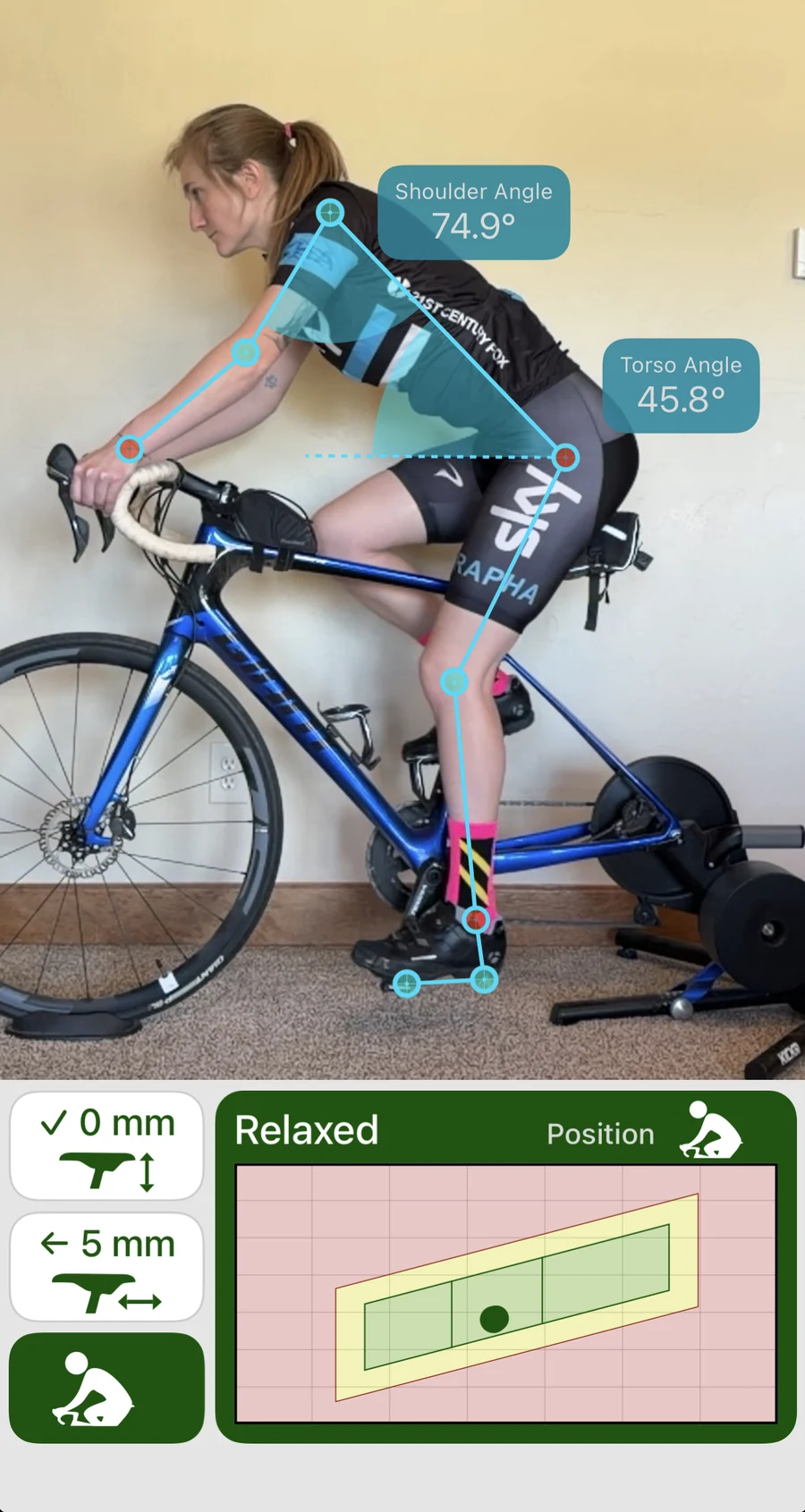
Just your phone, no markers.
Bike Fast Fit EZ reads your body from high-speed video with markerless AI tracking. We built that tracking ourselves on thousands of rider videos, designed specifically to track cyclists better than a generic pose model.
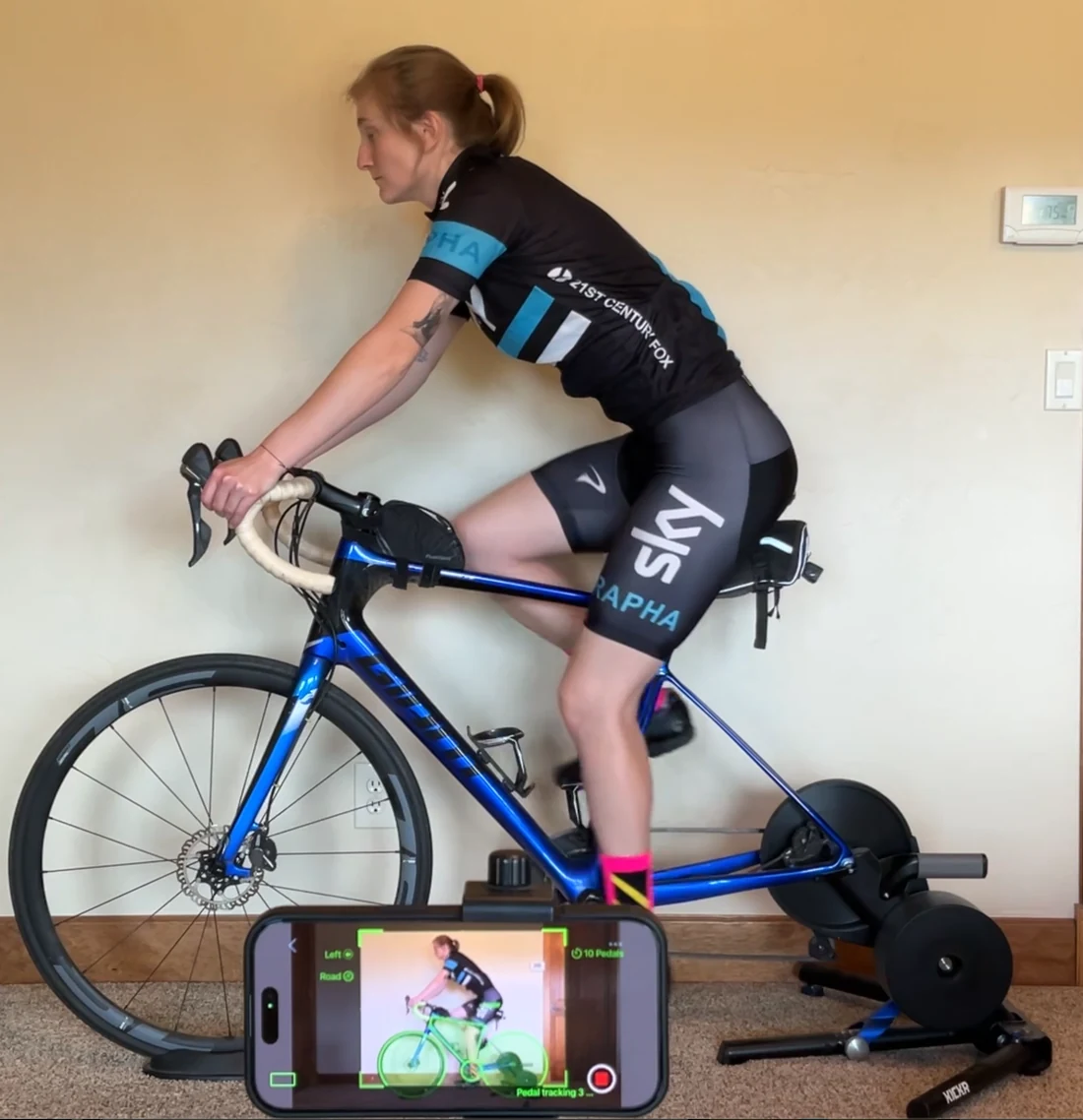
About a minute, start to finish.
Saddle height, fore and aft, and position each get their own page, and the recommended change is shown plainly: how far and which way.
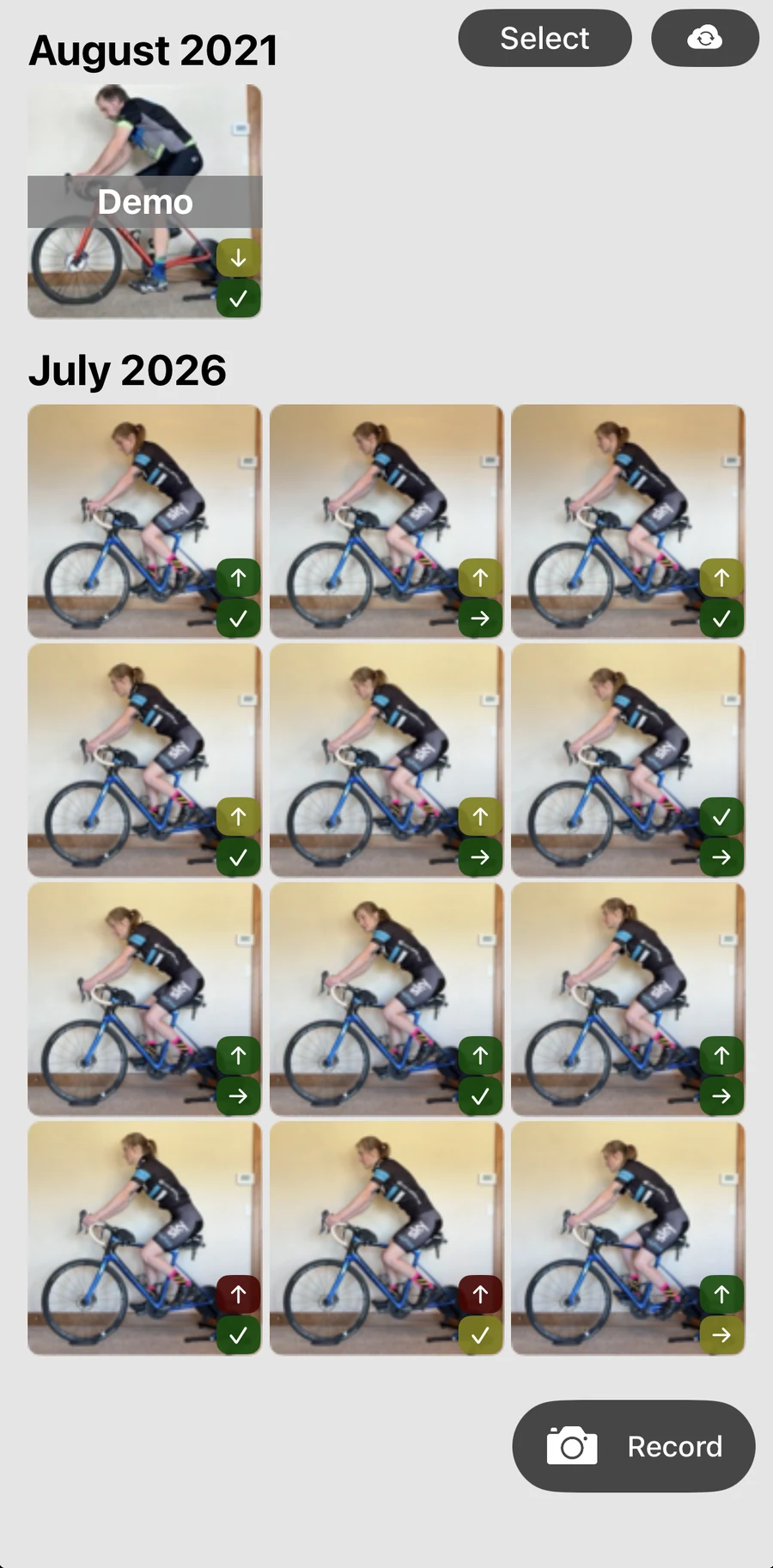
No limit on how often you check.
There is no cap on how many recordings Bike Fast Fit EZ keeps, so a fit is not a one-time event. Check again after a new saddle, new shoes, or a new bike, and see exactly what moved.
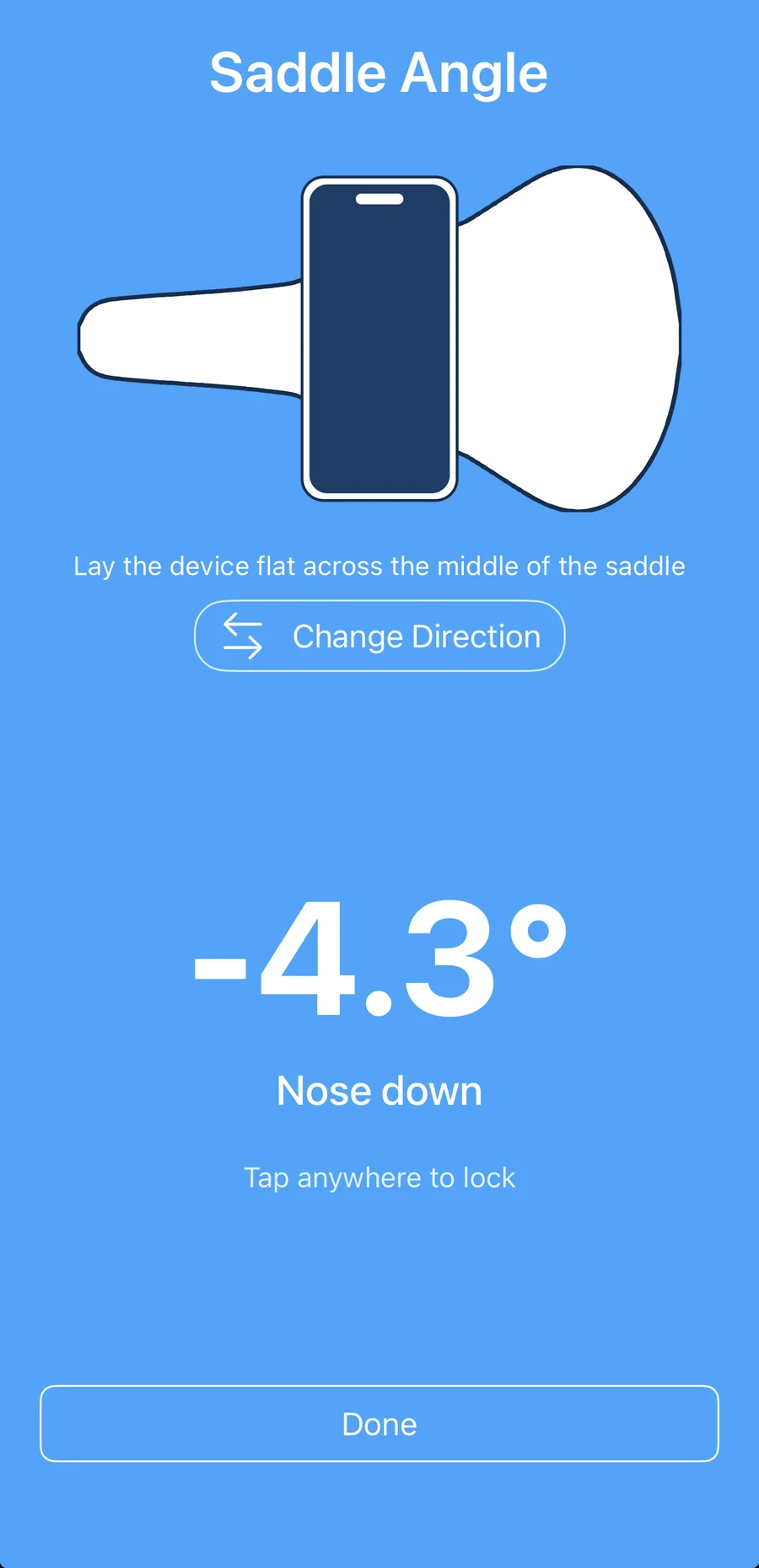
Set your saddle level without guessing.
Lay the phone flat across the saddle and Bike Fast Fit EZ reads the tilt off it, in degrees, nose up or nose down.
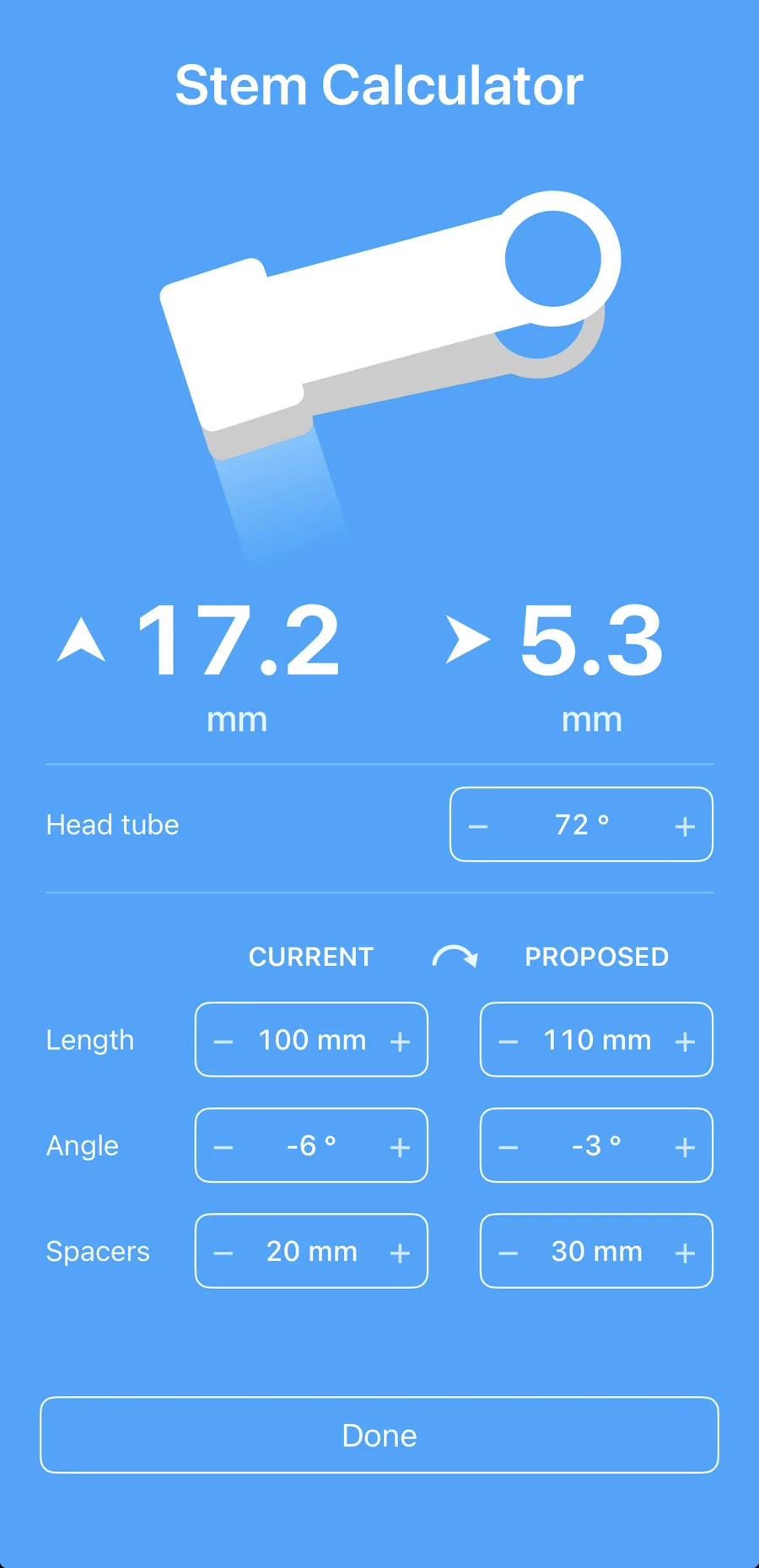
Try a stem before you buy one.
Enter the stem on your bike and the one you are considering, and the calculator works out how far your handlebar would actually move, up and forward, in millimeters.
Who it is for
- Riders fitting their own bike
- People new to fitting
- Riders who bought a bike online
- Anyone re-checking after a new saddle, new shoes, or a new bike
Want front view, every side-view measurement, and a way to test a change before you make it? That is Bike Fast Fit Elite, and moving up asks whether to bring your BFF EZ fits over.
Free to learn
See Bike Fast Fit EZ in the Academy
Free lessons that walk through every part of an EZ fit, step by step. No app required to start.
Open the EZ track →